

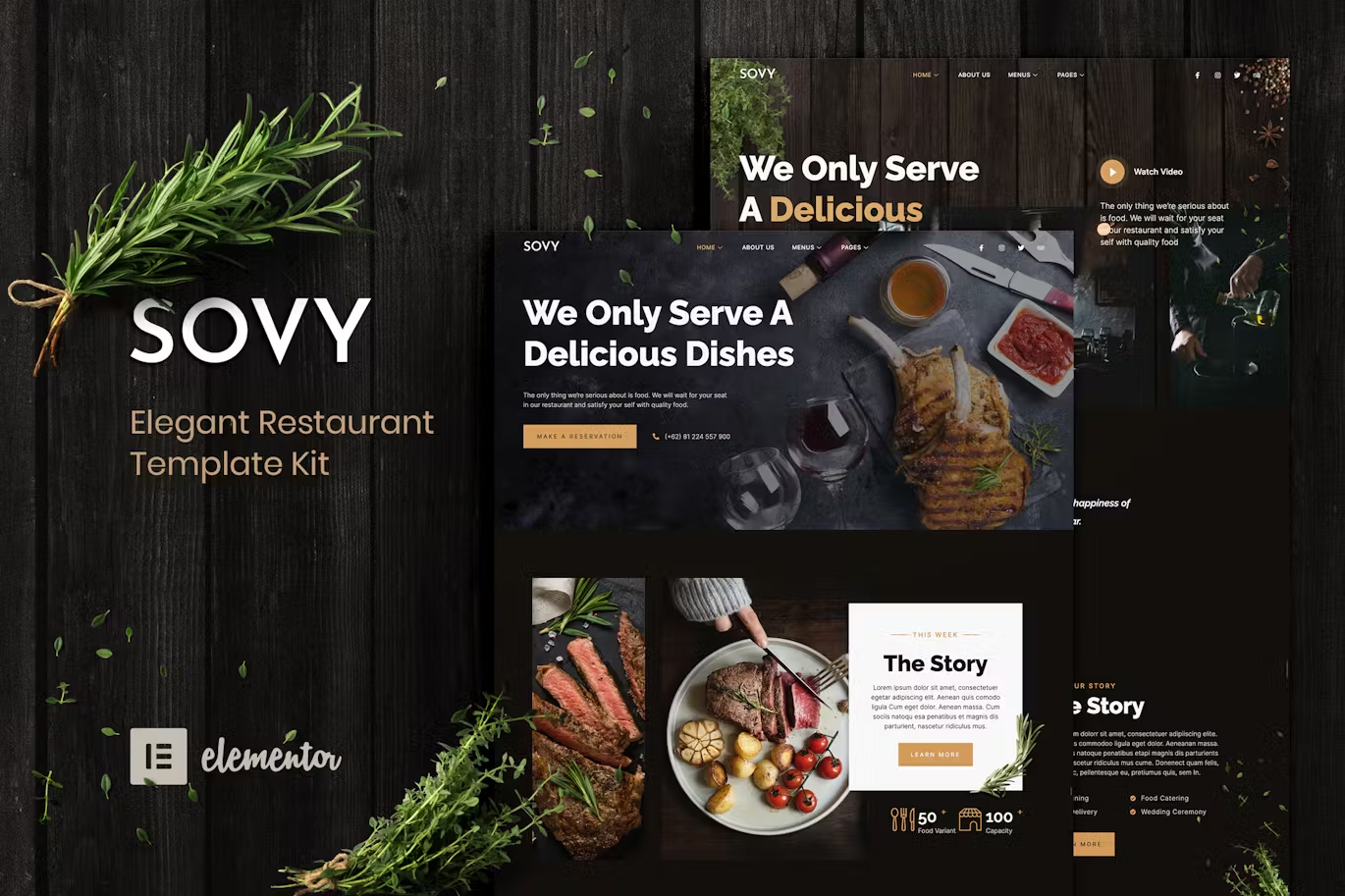
Sovy is an elegant restaurant Elementor Template Kit. Featured a beautiful set of practical & flexible layouts perfect for modern restaurants, cafes, bars, culinary, and food.
This template kit includes stunning carefully crafted 18+ stunning templates with a 100% responsive layout, retina-ready, and easy to customize. You can build your professional-looking website just a click away.
Features:
- Using Free Plugins (Elementor Pro is not required)
- Modern & Clean Design
- 18+ Templates with Global Theme Style
- Fully Responsive Layout
- Retina Ready
- Fully Customizable
- Cross Browser Compatibility: Chrome, Firefox, Safari, Opera
Templates Include:
- Home – Style 1
- Home – Style 2
- About Us
- Services
- Menu – Style 1
- Menu – Style 1
- Contact Us
- Reservation – Style 1
- Reservation – Style 2
- Metform Contact
- Metform Reservation 1
- Metform Reservation 2
- Our Chef
- Gallery
- 404 Page
- Header
- Footer
- Global Theme Style
Required Plugin:
- ElementsKit Lite
- MetForm
- Essential Addons for Elementor
- JetSticky For Elementor
How to Install: Install and Activate the Envato Elements plugin from Plugins > Add New in WordPress, then activate your subscription. Premium kits may be loaded directly from the Premium Kits library. Manual import: Do not unzip the download. Upload the Kit zip under Elements> Installed Kits by clicking the Import Kit button. Before importing a template, ensure the Install Requirements button is clicked to activate required plugins. For best results, do not import more than one template at a time.
How to import Metform custom form
- Import metform template
- Import the template where the form appears, then edit in Elementor. -Click the Metform widget in the column where the form should be and click Edit Form.
- Select New, leave blank selected then click Edit Form button
- Click ‘Add Template’ grey folder button.
- Click ‘My Templates’ tab.
- Choose your imported metform template, then click ‘Insert’.
- Once the template is loaded, click ‘Update’.


There are no reviews yet.