


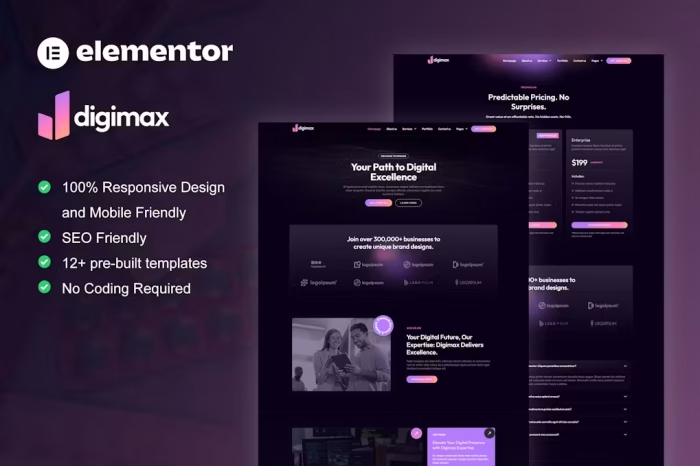
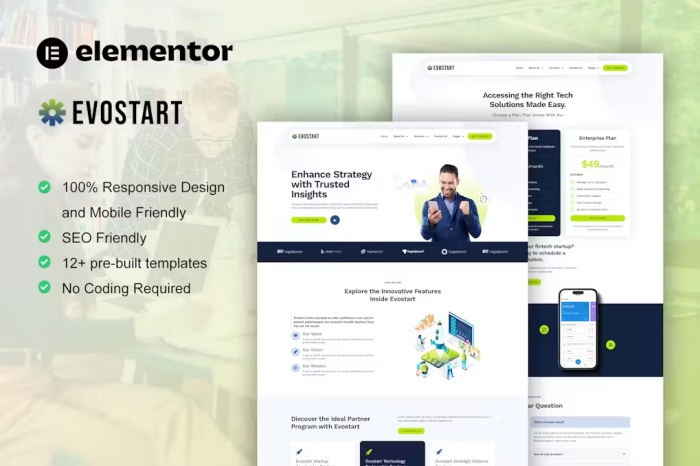
Digicy – Digital Marketing Agency Elementor Template Kit
The Digicy Template Kit offers a range of pre-designed layouts for the Elementor page builder plugin, optimized for the free version of Elementor. This kit provides a clean and professional design suitable for digital marketing agencies and works seamlessly with most WordPress themes, particularly the Hello Elementor theme.
12 Ready-to-Use Import Templates:
- Home 1
- About
- Service
- Service Details
- 404
- Contact
- Coming Soon
- News
- Team
- FAQ
- Global Style Kit
- Block | Header
- Block | Footer
Template Features:
- No upgrades or pro plugins required
- True no coding required
- Global theme style compatibility
Plugins Included:
- Elementor
- Elements Kit Lite
- MetForm
Installation Instructions:
- Install and activate the “Template Kit Import” plugin from
Plugins > Add Newin WordPress. - Do not unzip the downloaded file.
- Go to
Elements > Installed Kitsand click the “Upload Template Kit” button. - Before importing, ensure you click the “Install Requirements” button to activate the necessary plugins.
- For optimal results, import only one template at a time.
How to Import Metforms Template:
- Import the Metform template.
- Navigate to the page where the form should appear and click “View Template” to load it in the builder.
- Right-click the page to open Metform widgets.
- Click “New,” leave the selection blank, and then click the “Edit Form” button.
- Click the ‘Add Template’ grey folder icon.
- Select the ‘My Templates’ tab.
- Choose your imported Metform template and click ‘Insert’.
- Once loaded, click ‘Update’.
Setting Up Global Header and Footer in ElementsKit:
- Import the header and footer templates.
- Go to
ElementsKit > Header Footer, select “Header,” and click “Add New.” - Title the template, keep “Entire Site” selected, and toggle activation to “On.”
- Click the template title and “Edit Content.”
- Click the grey folder icon, select the header template, and click “Update.”
- Repeat the process for the footer.


There are no reviews yet.