


Digitalize – Elementor Template Kit
Digitalize is an Elementor Template Kit designed for creating sleek and modern websites for Creative Digital Agencies and Portfolios. It is perfect for Design Agencies, Digital Studios, Marketing Agencies, SEO Experts, Social Media Management, Website Agencies, Portfolio Websites, and more. This template kit offers a contemporary dark web design style to give your blog a modern touch.
Please Note: This is not a WordPress theme. Template Kits provide page content for the Elementor page builder and are optimized for use with the free Hello Elementor theme but can be used with most themes that support Elementor.
Features:
- 15+ Templates: A comprehensive collection to suit various needs.
- No-Code Customization: Easily customize with a drag-and-drop visual builder.
- Unified Styling: Customize fonts and colors in one place or fine-tune individual elements.
- Clean and Minimal Design: Focus on simplicity and elegance.
- Fast-Loading: Optimized for quick loading times.
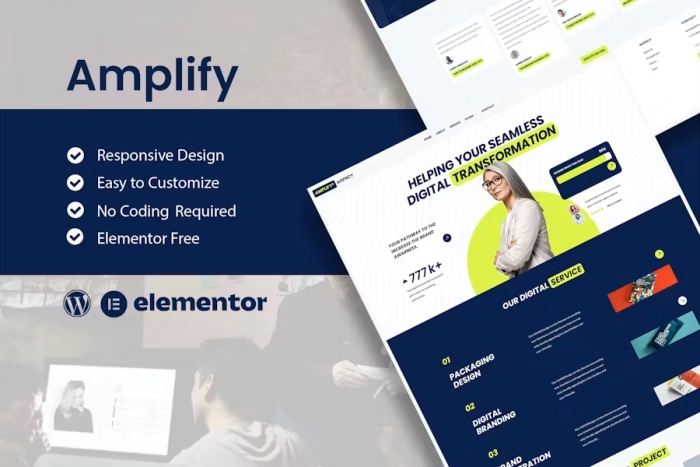
- Responsive Design: Ensures a seamless experience across all devices.
- Works with Most Elementor Themes: Broad compatibility for flexibility.
Templates Included:
- Home 1
- Home 2
- Home 3
- Portfolios
- Services
- About
- Single Services
- Single Portfolio
- Pricing
- Contact
- Blog
- Post
- Menu Off Canvas
- Header
- Footer
- Global Style
Plugins (Installed with Kit):
- ElementsKit Lite
- Qi-Addons
How to Use Template Kits:
- Download Your Kit File: Download from Envato without unzipping it.
- Set Permalinks: Go to Settings > Permalinks and ensure Post Name is selected.
- Install Hello Elementor Theme: Go to Appearance > Themes > Add New and install Hello Elementor. This will prompt you to install Elementor if not already installed.
- Install Required Plugins: Ensure Elementor and Envato Elements are installed and updated. Install and connect Elementor Pro if required.
- Upload Template Kit: Go to Elements > Installed Kits and click Upload Template Kit Zip.
- Install Requirements: Follow the prompt to install any plugins used by the kit.
- Import Global Kit Styles: Start with importing Global Kit Styles to set up site settings.
- Import Templates: Import templates one at a time in the order shown.
Creating Pages:
- Create a New Page: Go to Pages and create a new page, then click Edit with Elementor.
- Set Page Settings: Click the gear icon at the lower-left of the builder to choose Elementor Full Width and hide the page title.
- Import Templates: Click the gray folder icon to access My Templates tab and import the desired page template.
- Set Home Page: Go to Settings > Reading and select Static Front Page.
Setting Up Global Header and Footer:
- Import Header and Footer Templates: Use the ElementsKit Lite Header Footer Builder Plugin.
- Create New Header/Footer: Go to ElementsKit Lite > Header Footer and click Add New.
- Configure Header/Footer: Give it a title, select Header/Footer, display on Entire Site, and click Publish.
- Edit with Elementor: Click Edit with Elementor, access My Templates tab, and select the header/footer template to import and update.
For further support, refer to the Elementor Get Help option in the WordPress menu.
Additional Notes:
- The HTML files are fully responsive and easily customizable.
- The design data is specifically for Elementor and installed using the Envato Elements plugin or directly through Elementor.
- The kit includes extensive documentation and video tutorials for easy setup and customization.
By using Digitalize, you can create a professional and visually appealing website for your digital agency or portfolio with ease and efficiency.



There are no reviews yet.